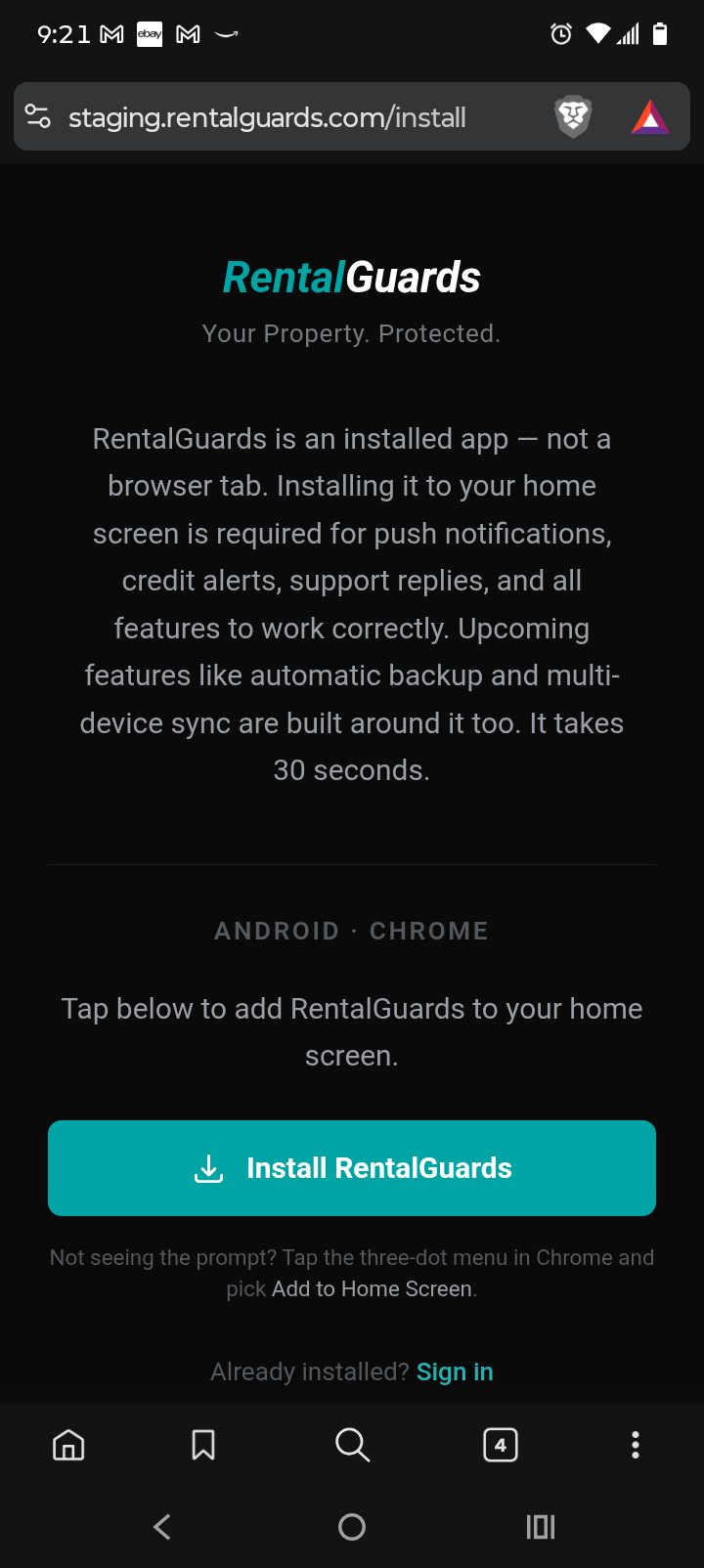
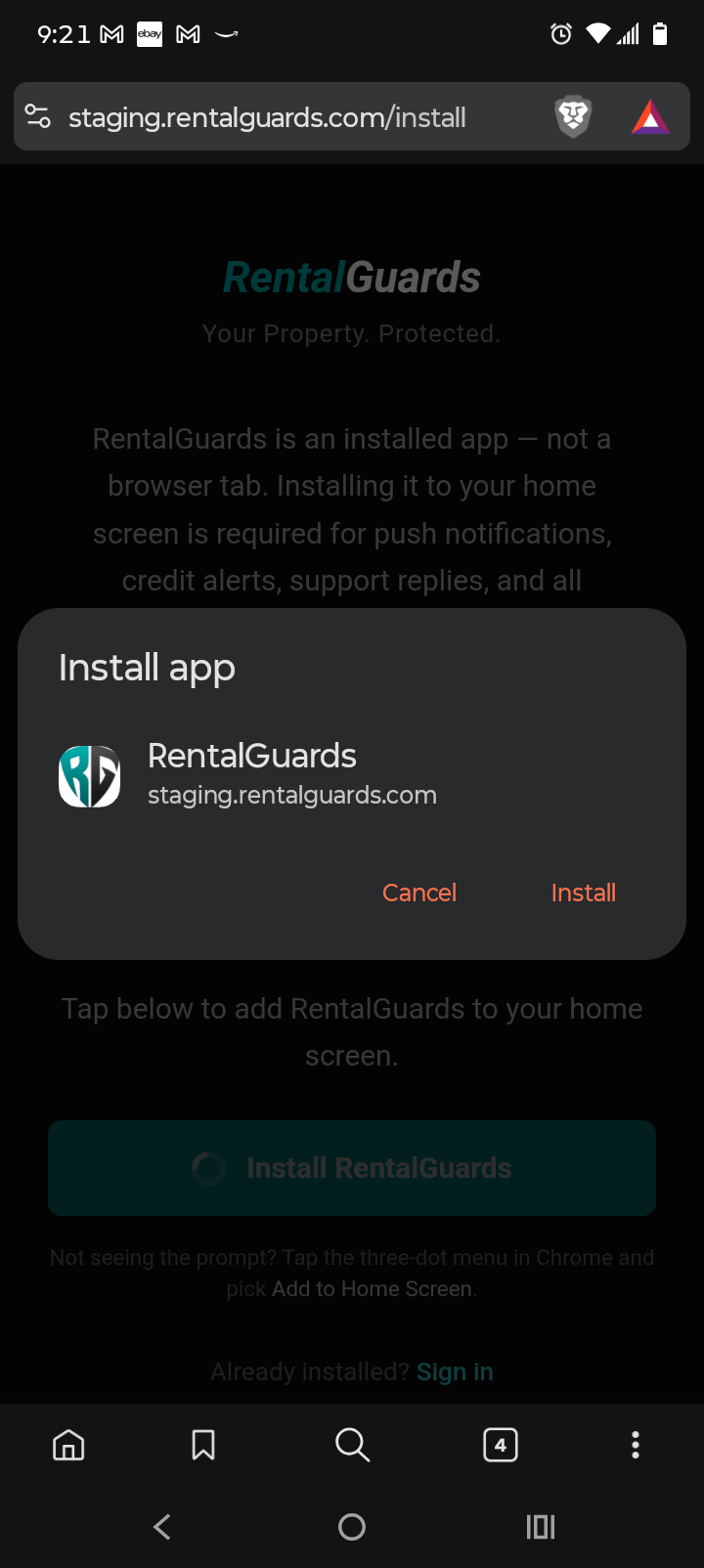
iPhone / iPad
Safari is required on iPhone. Chrome on iPhone does not support PWA install — you need Safari for the Add to Home Screen option to appear.
1
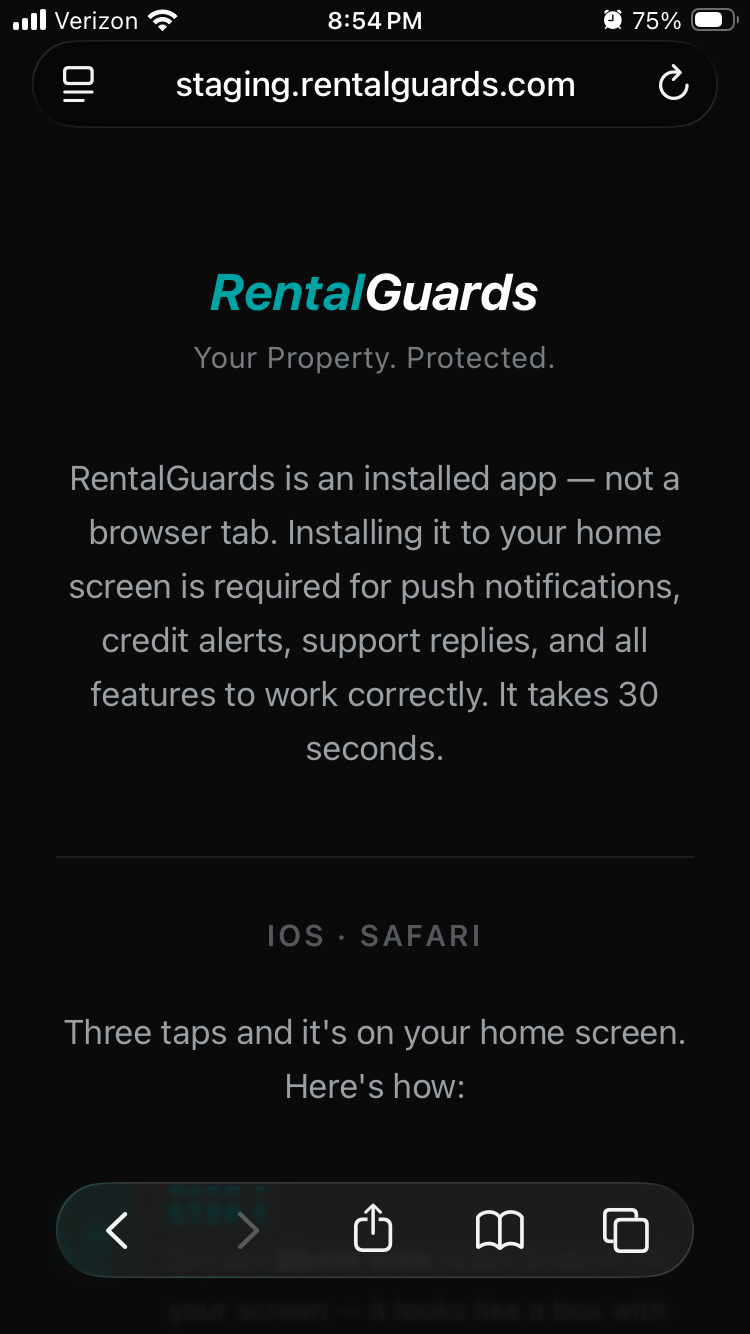
Open the RentalGuards link in Safari.
You'll land on the install page. The Share button is at the bottom of Safari — tap it.
2
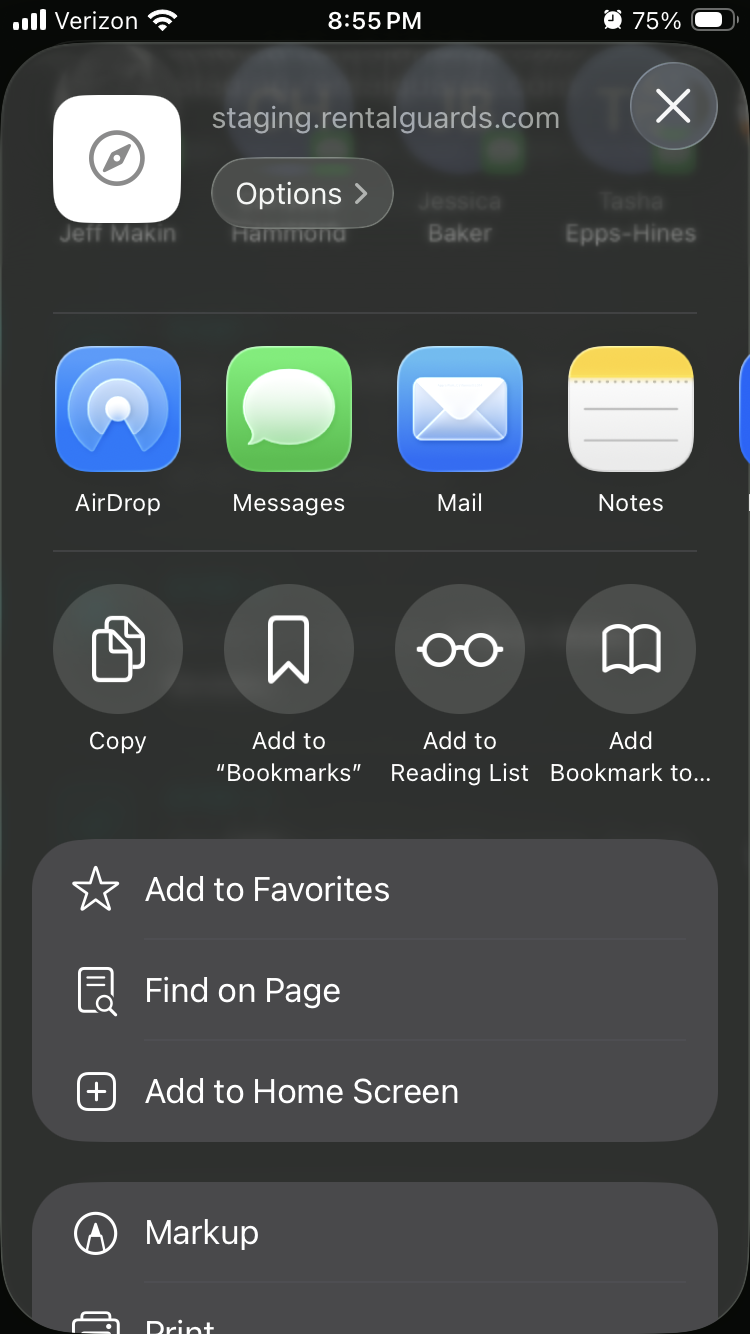
Find Add to Home Screen in the share menu.
The share sheet will open. Scroll down until you see Add to Home Screen. If you don't see it, tap More — it's in there.
3
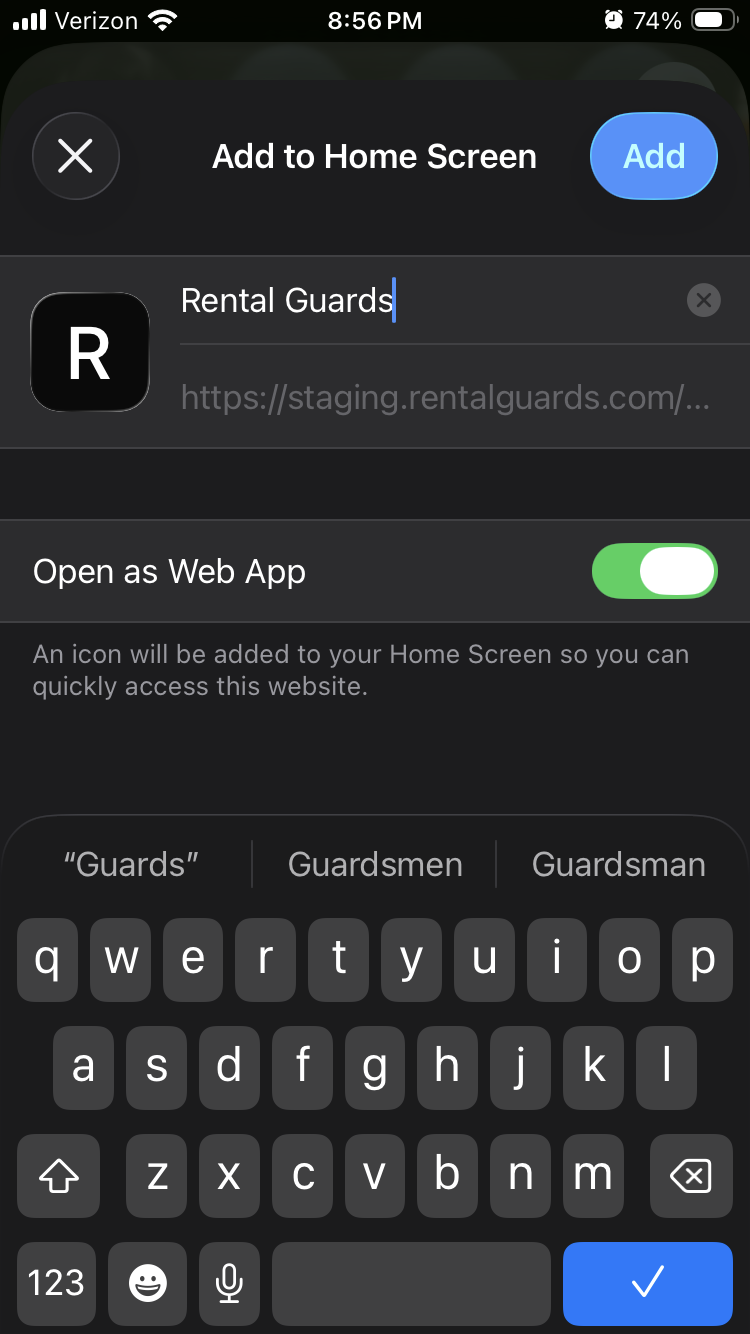
Tap Add in the top right corner.
The app name will appear — just tap Add. That's it.
4
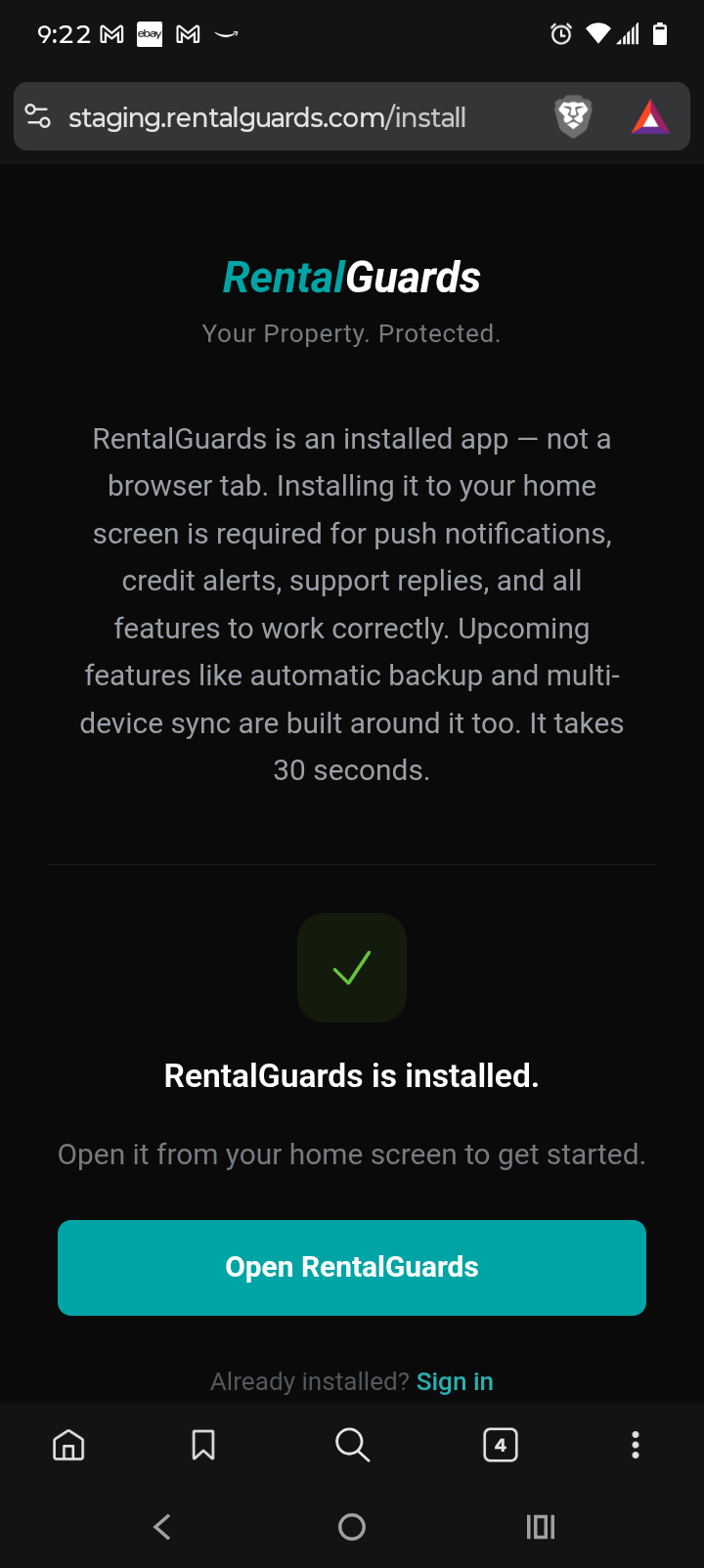
You're done.
Open RentalGuards from your home screen and create your account.